
Google chrome Trick - Changing the default search engine

Advertisement

Google web browser has very minimum option for customization as it is already built to suit the Internet users,if you have Google chrome browser downloaded on your PC then you will know that the browser has a smart address bar which also acts as search engine,this means you can type the website address with automatic url suggestion as well as search in search engine using the same bar.


When you are done with installation of Chrome,you will have a option to change the search engine and also to import the password,history and bookmarks from other browser (backup and restore the chrome profile).If you have skipped changing the search engine then Google chrome will have a default search engine set which is “Google.com”.Also chrome can be empowered with firefox chrome addon/extension. If you are a user who uses other search engine like yahoo,MSN live search then here is a simple trick to change the default search engine.

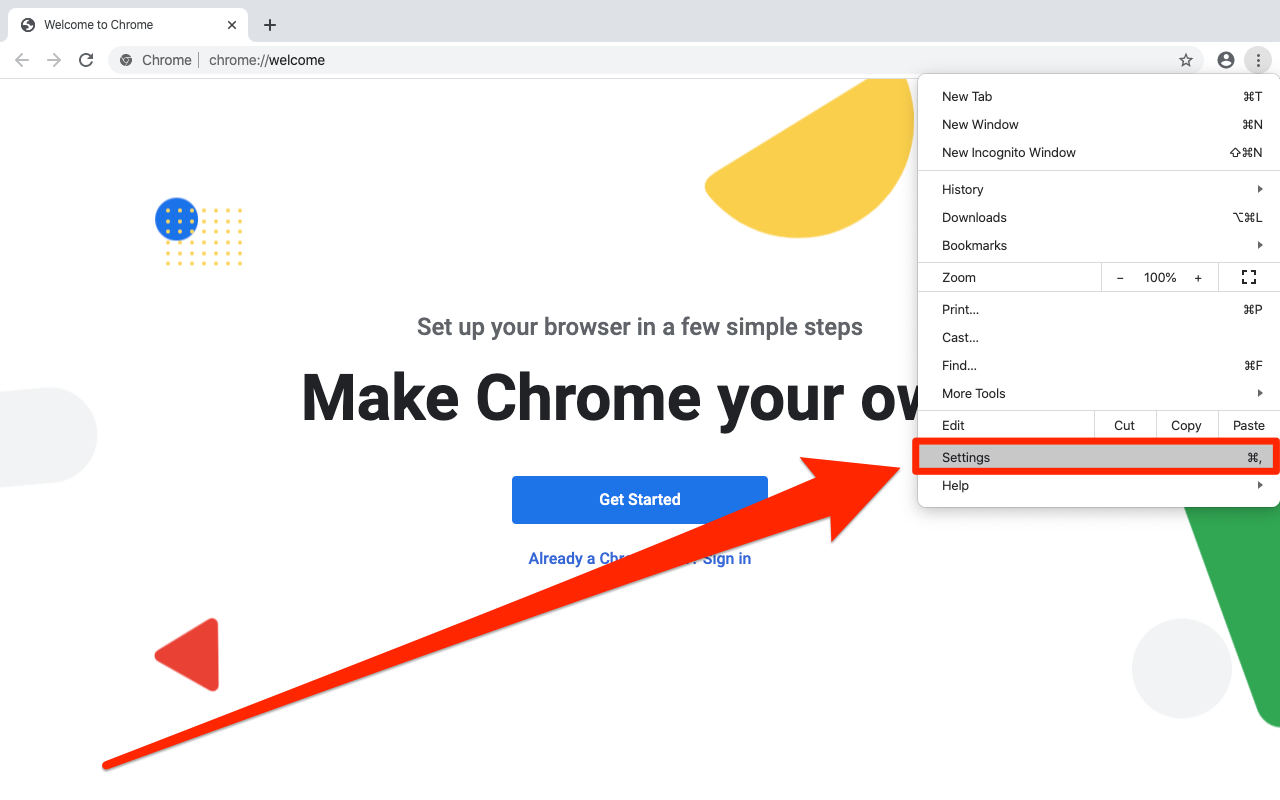
Open your Chrome browser and using your mouse,right click on the address bar,this shows up various things like paste,paste and go and Edit search engine.

google_chrome_search_engine_trick

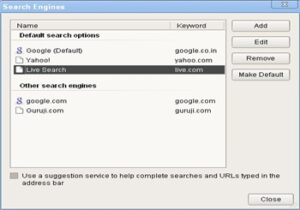
Click on Edit search engine and a dialog box will appear with information about the various default and other search engine available.
change_chrome_browser_search

Click on Add or choose from the existing search engine and click on Make default.Alternately you can choose Yahoo,MSN live search engine and make is as default, also you can remove any search engine or add local search engine easily!

Show your Love Digg Stumble Reddit Delicious Technorati

4 Comments For This Post

  1. John Says:

    Just for the record, it’s not really a “trick” if it’s something they put in there and intended you to use, makes it sound too much like you’re trying to bypass the evil google browser when you put it like that. But otherwise I’m sure this will help some people who can’t figure out how to do it.

  2. Aviagra Says:

    I loved the post. I think your thinking is nearly matching the great sukrat’s cocept.

  3. siri Says:

    hi
    I installed chrome in my pc…default search engine is google.hk i want to change it to google english. i am trying to do it as you described in this page..but it was not accepting the changes..iam entering name google
    keyword http://www.google.com/intl/en/
    url http://www.google.com/intl/en/

    even then ok button is disabled..can you please suggest me what shall i enter in url.

  4. siri Says:

    anyway thanks…i got the solution..in google help topics they have given how to change the url…anyway i learnt the basic how to change the search engine from ur site..thanx for that

3 Trackbacks For This Post

  1. Ultimate List of Tips and Tricks for Google Chrome Says:

    [...] How to Change the Default Search Engine in Google Chrome? [...]

  2. How to backup profile of Google Chrome browser | Blogote - Internet Technology,blogging and Make Money Says:

    [...] the Google chrome browser download,everyone seems to be busy in writing and reading about Google chrome tricks,how to use firefox addon type on Google chrome,Google chrome tips,backing up Google chrome and why [...]

  3. Ultimate List of Tips and Tricks for Google Chrome | Prowts.com Says:

    [...] How to Change the Default Search Engine in Google Chrome? [...]

Leave a Reply

  • Provide your Gravatar ready email to show your gravatar aside your comments
  • rel="nofollow" is in use, No use if you are about to spam :D .

Copyright © 2008 Blogote. All rights reserved. Powered by WordPress blogarama - the blog directory Blog Flux Directory Technology Internet blogs Clicky Web Analytics