




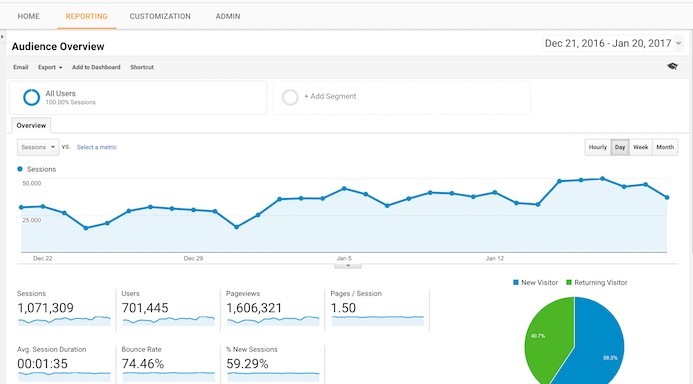
As I was having a casual conversation with my friend about Google analytics, he told me that Google analytics doesn’t show real time data. Not willing to agree with him, I went ahead to the analytics dashboard, searching for a proper answer and found out this question – “ How long does it take to see report data? ”
Answer:
Google Analytics generally updates your reports every 24 hours. This means that it could take 24 hours for data to appear in your account after you have first installed the tracking code.
So according to Google analytics: there’s ‘no’ way to get real time data from google analytics. Infact, there is one way! I wouldn’t like to call this as a Google Hack but this I am just trying to deceive the google analytics team 
Real Time Tracking from Google Analytics:
Just go to your Google analytics page and have a look at the right top which reads “My analytics Accounts”. You can find the date range feature and next to that there is arrow pointing downwards (see the image) which allows you to set custom date.
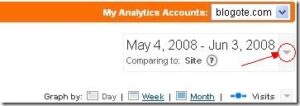
Click on that arrow and you will be presented with a calendar showcasing dates from the past month. Select the date range (include the current date) and then click on Apply button.
The page refreshes and Viola! You can see the real time statistics for your blog!