
Computer viruses and malware are an increasingly common problem for computer users worldwide, yet many people still fail to take the appropriate steps to ensure their computers remain safe. As a result, they expose themselves and others to a wide variety of threats. No matter what you use your computer for, there are always risks involved whenever you connect to the Internet or open email inboxes.
Malware is common enough that it is possible that they could have infected your device with something harmful without your knowledge, and this can lead to complications down the line. To avoid issues like this, you must access the correct information. Here are some tips on how to protect your computer from attacks.
Always Update on Time
To protect your computer from malware, you should always make sure it is updated. Software companies will generally create updates to fix flaws in their programs or add new features. They may also use these updates to patch up security holes that were previously identified. Users should try not to skip these updates since they address many vulnerabilities. Generally, you will be able to update your device automatically, although this feature may need to be turned on or activated yourself.
Manage Your Passwords
Malware may not always infect your system as soon as you connect to the Internet. In some cases, all it takes is for someone to gain access to one of your passwords to cause problems. If a hacker manages to get their hands on one or more of your important passwords, they could have full access to some or all of the data on your computer. You should, therefore, prioritize the management of your passwords. Password managers can help you organize and protect your passwords more quickly, but they are not a substitute for regularly changing them to make it harder for hackers to get in.
Avoid Pop-Ups
Many malware will use pop-ups to try and trick you into clicking on them. You should always avoid interacting with these pop-ups, especially if they claim to help you fix an issue related to your computer system. It is possible that some people can use some pop-ups for legitimate purposes, but it is generally safest not to interact with them at all. If you need to interact with the pop-ups on your computer, ensure that you only do so in a secure environment.
Make Sure You Have An Antivirus
Antivirus can be one of the best ways to keep your device safe from malware. A good antivirus should include tools for identifying and removing known malware threats. In addition, you should look for an antivirus that offers real-time protection. This enables the software to scan your device as soon as anything suspicious is detected, preventing any possible damage from being done.
When choosing an antivirus program, it is also vital that you look at the company’s privacy policy. Antivirus companies can analyze your device to identify existing malware threats. If you have trouble finding the right antivirus software, you can check out this list of the best antivirus protection of 2022 to find the one that works for you. If this concerns you, check that they give users the option of disabling or refusing this activity. You should always find out if it is compatible with your operating system.
Backup Your Data
No matter how careful you are, it is possible that you could still get infected with malware. This type of attack can cause all kinds of issues, and in some cases, the software used could corrupt or damage your data. That means that unless you have taken the necessary steps to protect yourself, you will no longer be able to access your files. Backing up your data is one of the best ways to ensure that this does not happen, giving you an easy way to restore your files if anything goes wrong.
Avoid Public Networks
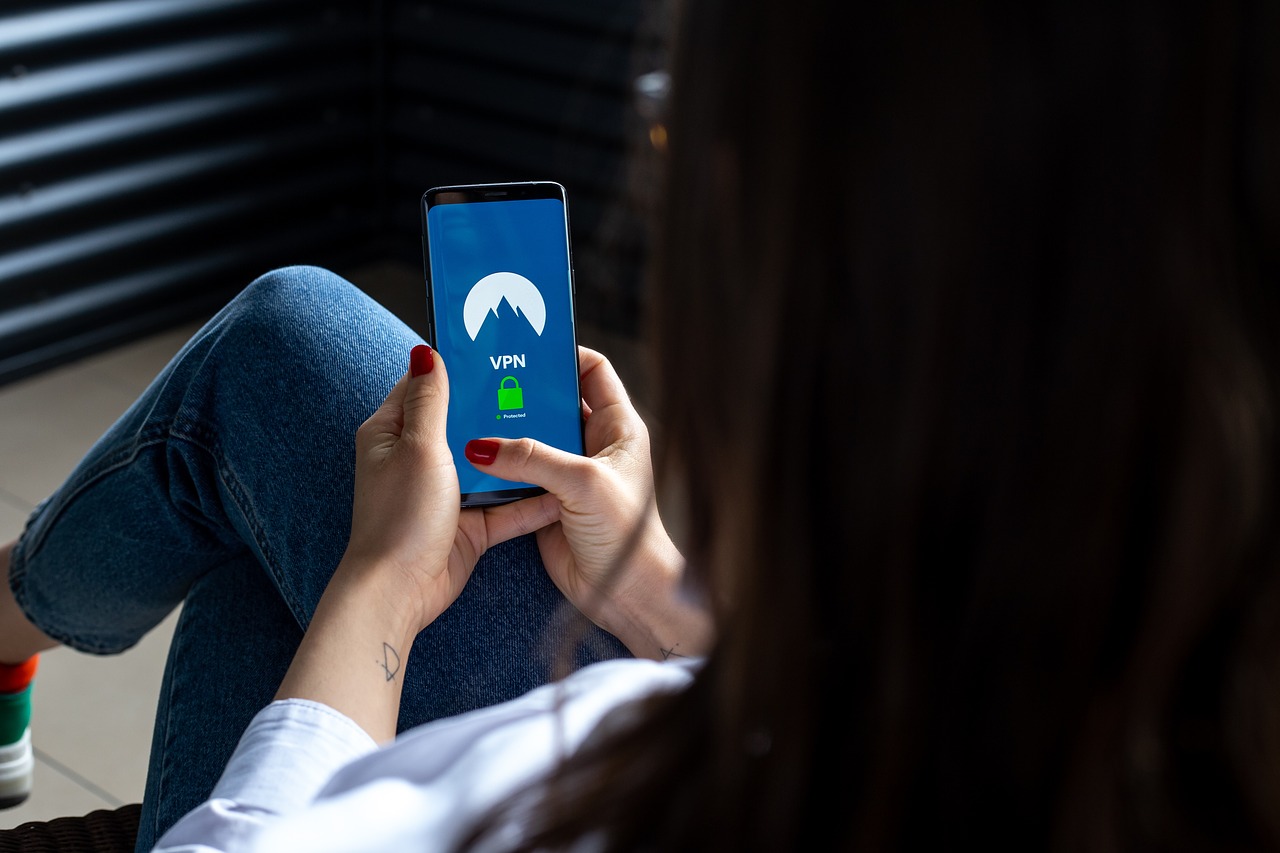
When you are in public, you should avoid using free Wi-Fi. The security risks of accessing the Internet through a public network are usually too high unless it is an emergency. Although hackers may try to access your device when you are on a secure network, this will not happen automatically. However, if you use a public network, you will be sharing the connection with many other people. Hackers could easily install malicious software on other devices to access your system with that in mind.
In summary, while it is not possible to 100% protect yourself against malware, if you follow the steps outlined above, you should minimize the risk of getting affected by it. Just remember that while this might help in most cases, there are still some situations where malware may find its way onto your system.